 gamesonline.org.es

Popular Games
Last Played


Block Craft 2
2 plays

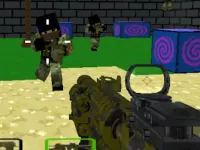
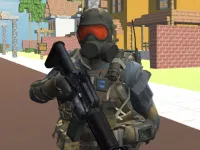
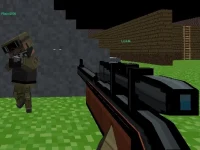




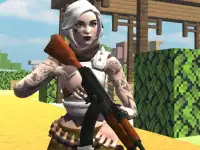
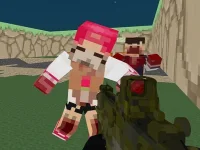


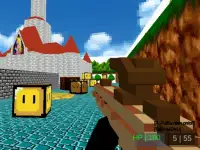


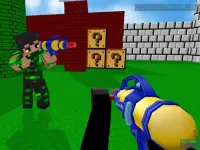
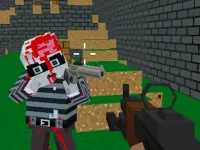
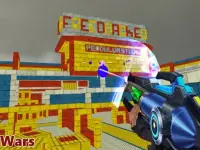
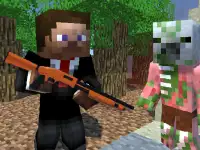
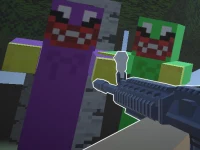


Block Craft 2
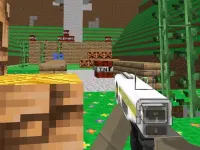
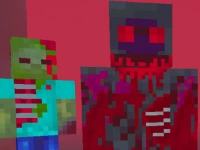
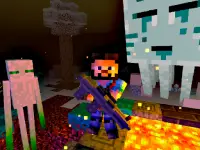
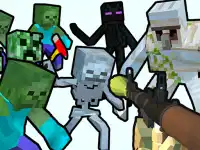
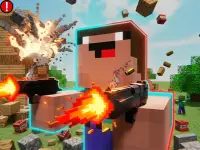
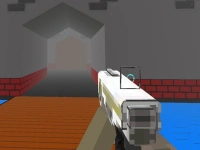
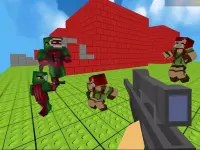
Block Craft 2 is a 3D game that lets you build and defend a blocky world. Use tools, skins, and weapons to customize your experience while fighting off zombie threats. This shooting game combines creation and combat for endless fun.
How To Play Block Craft 2
Start by exploring the world with your mouse or touchscreen. Gather resources, craft tools, and manage your inventory to stay prepared. Use building mechanics to create shelters and traps for defense.
Controls and Features
Click or tap to select tools, drag to build structures, and double-tap to switch character skins. Move with WASD or arrow keys. The game blends Minecraft-style creativity with survival elements and zombie attacks.
Tips
Focus on building strong defenses to survive zombie waves. Aim carefully and shoot through blocks to take down threats before they reach you. Always keep your inventory organized.
FAQ
How do you switch character skins in Block Craft 2?
Double-tap on the screen to cycle through available skins. This lets you customize your character's appearance during gameplay.
What are some key features of this 3D game?
The game includes building, resource gathering, zombie combat, and customization options. It combines shooting game elements with creative construction mechanics.
Can you play Block Craft 2 on a touchscreen device?
Yes, the game supports touchscreen controls for selecting tools, building, and moving. It also works with mouse and keyboard inputs.
What is the main goal in Block Craft 2?
The primary objective is to build and defend your world while surviving zombie invasions. Use tools and structures to stay safe and expand your territory.
```About this game
- Controls
- Move W A S D Up Down Q E Select block 1 2 3 4 5 6 7 8 Pause and Key info P Hit block LEFT-CLICK Create block RIGHT-CLICK Rotate block R Fly mode F Build mode B Crouch C Run LSHIFT Torch L Throw ball R Su
- Supported devices
- Desktop
- Genre
- Shooting Games
- Release date
- 24 October 2024
- Latest update
- 24 October 2024
- Rating
- No ratings yet