 gamesonline.org.es

Popular Games
Last Played


Drive In City 3D
1 plays


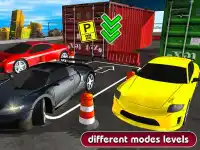


















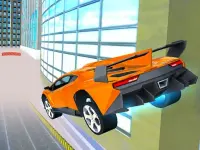













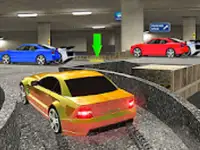


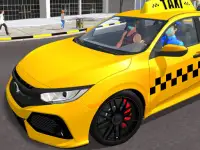




Drive In City 3D
Get ready to experience the thrill of high-speed racing in Drive In City 3D, a 3D Games masterpiece that combines physics engine precision with the art of drifting. This arcade-style racing game lets you speed through city blocks to perform stunts and drift around corners, all while mastering the art of drifting.
How To Play Drive In City 3D
Drive through the city, clean your lines by drifting to master the physics and perform stunts. The game's unique controls and features make it easy to pick up and play, with arrow keys or tilt controls allowing you to accelerate, brake, or turn with precision.
Controls and Features
The game uses arrow keys or tilt controls to drive, accelerate, brake, or turn. The physics engine makes the movement feel reactive and realistic, allowing you to execute high-speed stunts across the city blocks. With a focus on drifting, you'll need to use small inputs to control your car and try to slow down before corners to maintain momentum.
Tips
Press arrow keys or tilt to drive. Use small inputs to control your car and try to slow down before corners to maintain momentum for stunts. The game's responsive controls are easy to learn, but mastering the art of drifting takes practice and patience.
FAQ
What are the controls in Drive In City 3D?
The controls are simple: arrow keys or tilt controls are used to drive, accelerate, brake, or turn.
What is the main mechanic of the game?
The main mechanic is drifting using the physics engine.
Can I play Drive In City 3D with timers or hints?
No, there are no timers or hints in the game.
How do I perform stunts in Drive In City 3D?
Speed through city blocks and use small inputs to control your car and try to slow down before corners to maintain momentum for stunts.
About this game
- Controls
- Keyboard Controls
- Supported devices
- Desktop
- Genre
- Arcade Games
- Release date
- 18 March 2024
- Latest update
- 18 March 2024
- Rating
- No ratings yet