 gamesonline.org.es

Popular Games
Last Played


Mega Ramp Stunt Cars
1 plays



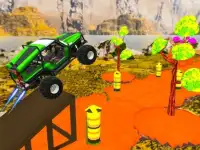


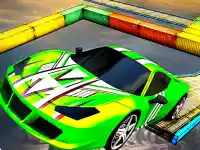
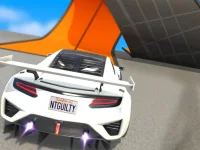


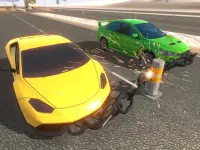














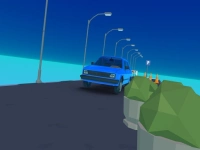
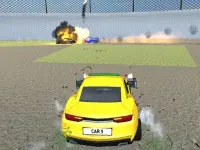
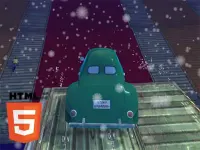

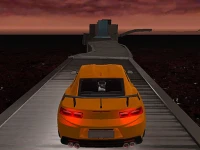


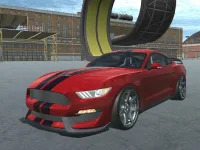
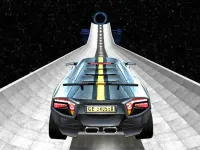
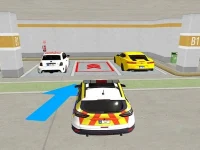


Mega Ramp Stunt Cars
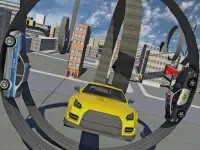
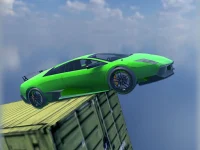
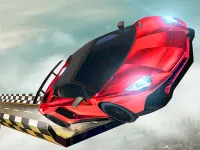
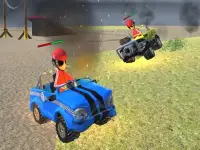
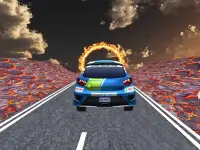
Mega Ramp Stunt Cars is a chaotic browser game where you drive vehicles over giant ramps. The gameplay involves controlling a car and performing stunts, which feels like trying to control a rollercoaster while drunk. This Unity3D game delivers unpredictable physics and wild jumps.
How To Play Mega Ramp Stunt Cars
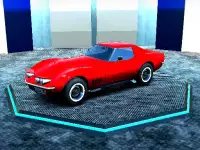
First, select your vehicle, then use the arrow keys or WASD to control your car and accelerate to hit ramps at the right angle. The goal is to perform stunts and land safely despite the weird physics.
Controls and Features
The controls for Mega Ramp Stunt Cars involve using arrow keys or WASD to steer and accelerate, and pressing space to boost or perform tricks. The physics can be weird and make jumps unpredictable. The game has a theme of high speeds and wild jumps, and the cars bounce around with chaotic physics. This WebGL game runs directly in your browser.
Tips
Try to keep your car slow when approaching jumps. Use the arrow keys or WASD to steer and accelerate to hit ramps at the right angle for a clean landing.
FAQ
What are the controls in Mega Ramp Stunt Cars?
Use arrow keys or WASD to steer and accelerate. Press the space bar to boost or perform tricks while navigating the chaotic ramps.
What is the main objective?
The objective is to accelerate, hit ramps, perform stunts, and land safely. Success depends on managing the unpredictable physics.
What makes the gameplay unique?
The game features chaotic physics that make jumps unpredictable. Cars bounce around with high speeds and wild jumps for a thrilling experience.
Can I play this as a browser game?
Yes, it is a chaotic browser game that you can play instantly. Select a vehicle and start driving over giant ramps immediately.
About this game
- Controls
- ASWD Arrow Keys - Drive F - Speed Booster
- Supported devices
- Desktop
- Genre
- Racing Games
- Release date
- 24 October 2024
- Latest update
- 24 October 2024
- Rating
- No ratings yet