 gamesonline.org.es

Popular Games
Last Played


Stick Fighter 3D
1 plays










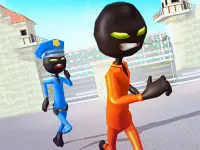
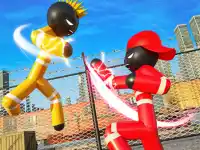
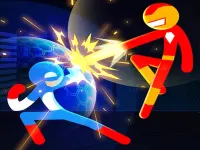
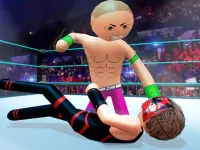


Stick Fighter 3D
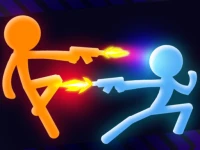
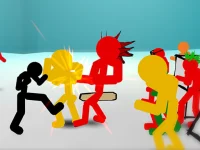
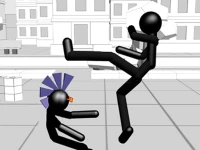
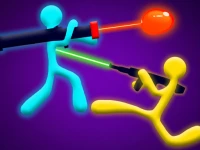
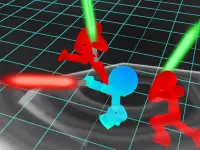
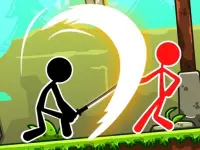
Stick Fighter 3D offers chaotic stickman combat in a simple 3D arena. The goal is to land quick hits and dodge enemy attacks in fast battles. You can play alone or with a friend in a two-player mode. Movement uses arrow keys or WASD, while the mouse handles all attacks. The focus is on timing and positioning to stay safe while striking effectively.
How To Play Stick Fighter 3D
Select single player to fight the AI or two-player to battle a friend. Use arrow keys or WASD to move around the arena. Attack with the mouse by clicking to punch or kick. The main aim is to land clean hits while avoiding damage. Practice moving and striking to improve your results.
Controls and Features
Use arrow keys or WASD for movement and the mouse for attacks. The game supports both single player and two-player modes. This 2 Player Games option lets you challenge a friend directly. Matches are fast and focus on direct action. The controls are simple to learn but allow for skillful play. The design keeps the action clear and responsive.
Tips
Practice the controls to master timing and movement. Move slowly to avoid enemy strikes and create openings. Time your mouse clicks to land hits when the opponent is vulnerable. Stay aware of your position in the 3D Games arena to avoid being cornered.
FAQ
What controls are used in Stick Fighter 3D?
You use arrow keys or WASD for movement and the mouse for attacks. This setup works in both single and two-player modes.
What is the main objective in Stick Fighter 3D?
The goal is to land hits on your opponent while avoiding their attacks. Success depends on timing and movement.
What game modes are available?
You can play in single player mode against the AI or in a two-player mode to battle a friend.
What is the core gameplay mechanic?
The main mechanic is fast-paced fighting using punches and kicks. The Stickman style keeps the action simple and direct.
About this game
- Controls
- Blue Player Move W A S D Punch F Kick G Bonus R Orange Player Move ARROW KEYS Punch L Kick K Bonus O
- Supported devices
- Desktop
- Genre
- Fighting Games
- Release date
- 24 October 2024
- Latest update
- 24 October 2024
- Rating
- No ratings yet