 gamesonline.org.es

Popular Games
Last Played


Vegas City Highway Bus: Parking Simulator
0 plays





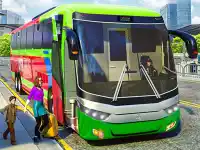




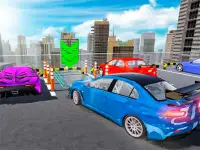


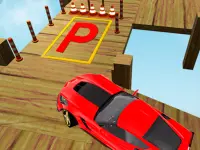



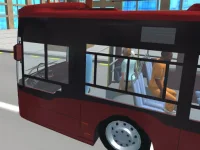



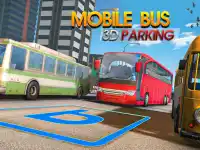
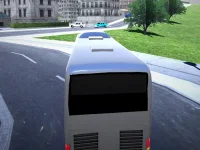


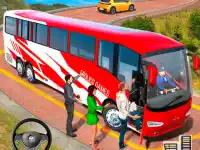



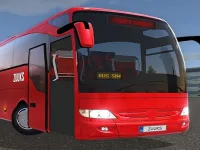





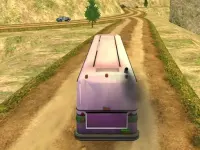


Vegas City Highway Bus: Parking Simulator
Test your driving skills in Vegas City Highway Bus: Parking Simulator, a 3D games challenge where you navigate a bus through busy streets. The goal is simple: park the bus in marked spots without hitting anything. This simulator game offers a fun way to practice precision driving in a vibrant city setting.
How To Play Vegas City Highway Bus: Parking Simulator
Steer the bus using arrow keys or the on-screen joystick. Your task is to reach the parking area smoothly while avoiding obstacles. The game tests your ability to handle a large vehicle in tight spaces.
Controls and Features
You can control the bus with arrow keys or an on-screen joystick. Additional buttons let you accelerate, brake, and adjust the camera angle. The game does not mention any safety features, so focus on careful driving.
Tips
Drive slowly to avoid collisions. Pay attention to parking indicators to align the bus correctly in tight spots. Precision is key to success in this racing games experience.
FAQ
How do I park the bus in Vegas City Highway Bus: Parking Simulator?
Use the arrow keys or on-screen joystick to steer the bus into designated parking spots. Avoid obstacles and follow parking indicators for proper alignment.
What makes this a good simulator game?
It accurately simulates driving and parking a bus in a busy city. The challenge lies in maneuvering a large vehicle into tight spaces without crashing.
Can I play this on mobile devices?
Yes, the game supports on-screen controls, making it playable on mobile devices. The touch controls include a joystick and buttons for acceleration and braking.
Is there a multiplayer mode in this game?
No, the game is a single-player experience focused on individual parking challenges. There are no multiplayer or competitive features mentioned.
```About this game
- Controls
- WASD - Drive Space - Brake C - Camera
- Supported devices
- Desktop
- Genre
- Racing Games
- Release date
- 24 October 2024
- Latest update
- 24 October 2024
- Rating
- No ratings yet